How Smart Home Tech Can Cut Your Monthly Utility Bills

Quick answer: Smart home devices can trim monthly utility costs by automating heating, cooling, lighting, and appliance use. A programmable thermostat, energy‑monitoring plugs, and a whole‑home sensor can each shave 5‑15 % off bills, often paying for themselves within a year while also improving comfort.↗ Share on X
Understanding the Utility Landscape
The average household spends a sizable portion of its budget on electricity, natural gas, and water. Rough estimates put electricity at about $110 per month, gas around $70, and water near $40. Those numbers add up quickly, especially when a family’s usage spikes during extreme weather. Even a modest 5 % reduction translates into over $10 saved each month, which can be redirected toward an emergency fund or a debt‑payoff plan.
Smart home technology works by matching energy consumption to actual need, rather than leaving systems running at full blast all day. Sensors, timers, and real‑time feedback give homeowners the data they need to make smarter choices. The key is to start with the biggest energy hogs—heating, cooling, and lighting—then layer in finer controls for appliances and standby power.
Clear money tips in your inbox. No hype.
Smart Thermostats: The First Line of Defense
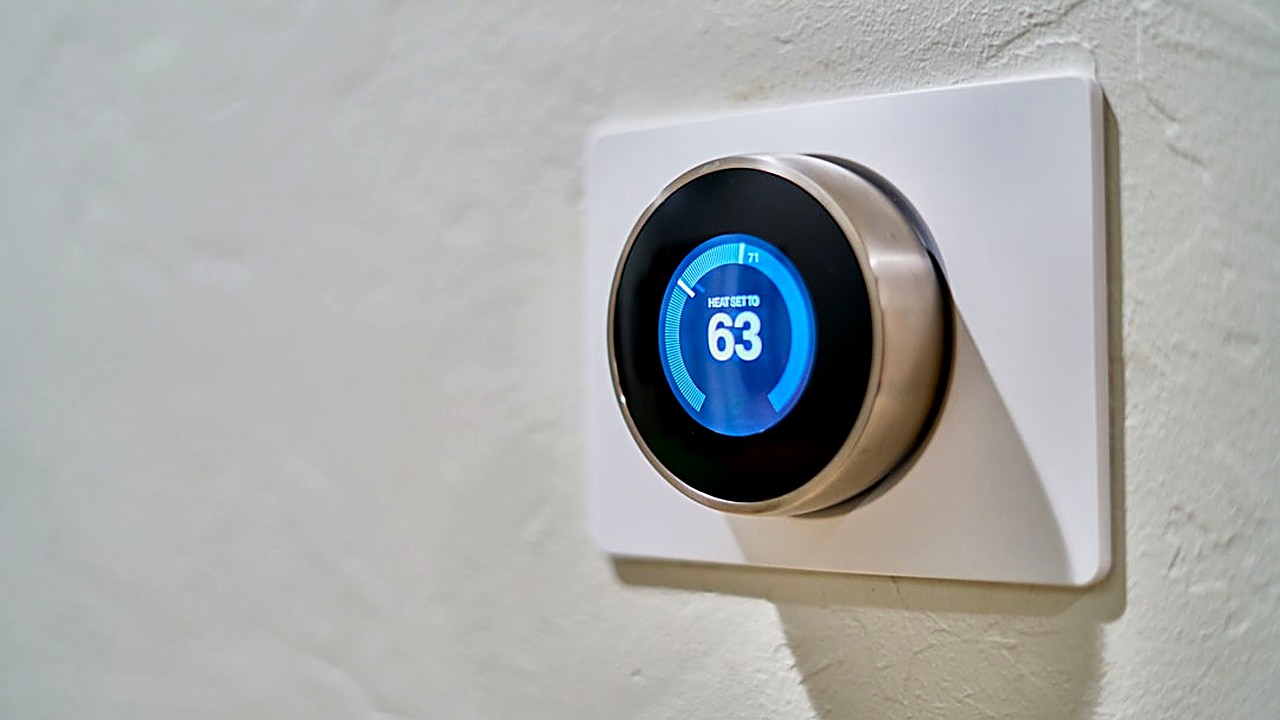
Heating and cooling typically account for more than half of a home’s electricity bill. A smart thermostat can cut that share dramatically. Devices like the Nest Learning Thermostat or Ecobee3 Lite learn occupancy patterns, adjust temperature set‑points automatically, and allow remote tweaks via a smartphone app.
Studies from independent labs show average savings of 10‑12 % on heating and 8‑10 % on cooling when a programmable thermostat replaces a manual dial. In practice, that means a family spending $180 on climate control could see $18‑$22 disappear each month.
I installed a Nest in my Bay Area condo two winters ago. After the first season, the heating bill dropped by roughly $15, and the device’s energy‑report feature helped me fine‑tune the schedule. The upfront cost was recouped within eight months, and the comfort level stayed high.
When choosing a thermostat, look for features such as geofencing (which detects when you leave the house), multi‑zone control, and integration with voice assistants. These capabilities let the system react to real‑world conditions without constant manual input.
Smart Lighting and Plug Controls
Lighting accounts for about 10 % of residential electricity use, but the impact can be larger when you factor in standby power from electronics. Smart bulbs—like Philips Hue or LIFX—let you dim, schedule, or turn off lights remotely. Pairing them with motion sensors ensures that lights only stay on when a room is occupied.
Energy‑monitoring plugs provide another layer of savings. Plug‑in devices such as the TP-Link Kasa or Wemo Insight track how many watts a connected appliance draws. You can set rules that cut power to a TV, gaming console, or coffee maker during peak hours, often slashing standby consumption by 20‑30 %.
A simple experiment in my own kitchen showed that a smart plug controlling a space heater reduced the heater’s run‑time by 25 % without sacrificing warmth. The monthly electricity bill fell by $8, and the data logged by the plug helped me identify other high‑draw devices.
Whole‑Home Energy Monitoring and Automation
For households that want a bird’s‑eye view, whole‑home energy monitors like Sense or Emporia Vue install directly in the electrical panel. These units break down usage by circuit, pinpointing which appliances are the biggest offenders. The accompanying app delivers alerts when usage spikes unexpectedly, prompting quick action.
Beyond monitoring, some systems enable automated responses. For example, a smart panel can delay the start of a dishwasher until solar generation peaks, or it can temporarily lower the thermostat when the grid signals high demand. By aligning consumption with lower‑cost periods, you can shave another 5‑10 % off the total bill.
While the initial installation may require an electrician, the long‑term payoff often exceeds the cost. Homeowners who paired a Sense monitor with smart thermostats reported combined savings of up to 18 % on their utility expenses.
Practical Steps to Get Started
1. Audit Your Current Bills – Pull the last three months of electricity, gas, and water statements. Note the average spend and identify any seasonal spikes.
2. Prioritize High‑Impact Devices – Start with a smart thermostat if heating or cooling dominates your costs. Follow with smart lighting in high‑traffic areas.
3. Add Plug‑Level Controls – Replace a few standard outlets with energy‑monitoring plugs. Focus on devices that run continuously, such as home office equipment or entertainment centers.
4. Consider a Whole‑Home Monitor – If you’re comfortable with a modest upfront investment, a panel‑mounted sensor can reveal hidden waste and enable advanced automation.
5. Set Up Schedules and Alerts – Use the companion apps to create daily or weekly schedules. Enable push notifications for unusual spikes.
6. Review and Adjust Quarterly – Revisit your utility statements every three months. Tweak schedules, add new smart devices, or retire underperforming ones.
By treating each smart device as a tool rather than a gadget, you create a feedback loop that continuously improves efficiency. The savings accumulate, and the data empowers you to make informed decisions without guessing.
Disclaimer: NOT a CFP, NOT a Registered Investment Advisor. Content is informational. Consult a licensed professional for specific decisions.
Frequently asked questions
Will a smart thermostat work with older HVAC systems?
Most modern thermostats are compatible with standard 24‑V heating and cooling setups. For legacy equipment, a professional can often add a relay or adapter to bridge the gap.
How much does a smart lighting system cost upfront?
Basic smart bulbs start around $15 each, while a full‑house system with a hub can range from $150 to $300. Savings usually appear within the first year of use.
Can I install a whole‑home energy monitor myself?
Installation involves working inside the electrical panel, which carries a risk of shock. Hiring a licensed electrician is the safest route, especially for larger homes.
Do utility companies offer rebates for smart devices?
Many utilities provide incentives for energy‑efficient upgrades, including thermostats and LED bulbs. Check your provider’s website or contact customer service for current programs.
Will these technologies affect my home’s resale value?
Smart home features are increasingly popular with buyers. While exact impact varies by market, homes with energy‑saving upgrades often command a modest premium.
*NOT a CFP, NOT a Registered Investment Advisor. Content is informational. Consult licensed professional for specific decisions.*
Clear money tips in your inbox. No hype.
Educational content, not personalized financial advice. Sources cited where applicable.