Find Hidden Recurring Fees on Your Bank Statement Fast


Quick answer: Download 3 months of statements for every card and account, search for repeat merchants like APPLE.COM/BILL, GOOGLE, AMAZON and PAYPAL, and list each recurring charge with its yearly cost. Cancel unused ones with the company or app store, keep proof, and recheck monthly.↗ Share on X
To find hidden recurring digital fees, download the last 3 months of statements for every card and bank account, search for the same merchant name showing up at regular intervals, and write each one on a single list with its price and how often it charges. Most forgotten charges are small app subscriptions, free trials that turned into paid plans, cloud storage, streaming add-ons and "premium" upgrades. One focused session of about 30 minutes is usually enough to build the list. Then you cancel what you don't use — at the company, not just at the bank — and set a monthly reminder so new ones don't sneak back in.
Here is the exact process, step by step.
Why are recurring digital fees so easy to miss?
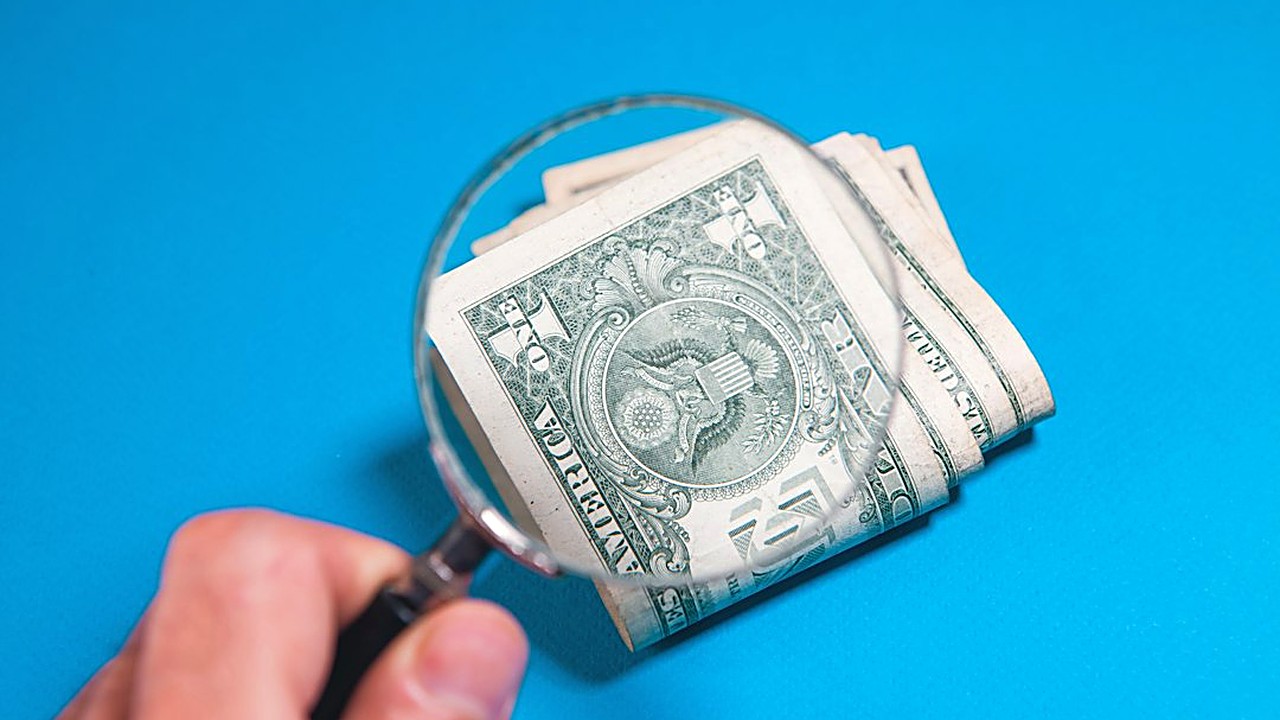 Find Forgotten Subscriptions on Your Bank Statement →
 Find Forgotten Subscriptions on Your Bank Statements Fast →
 Emergency Fund Gone After Home Repairs? How to Rebuild It →
Digital subscriptions are designed to run quietly in the background. A few reasons they slip by:
1. They are small. A $4.99 charge does not stand out next to rent or groceries.
2. The names are confusing. The line on your statement often shows a payment processor or a parent company, not the app name you remember.
3. They hide in app stores. Many subscriptions are billed through Apple or Google, so your statement just says "APPLE.COM/BILL" or "GOOGLE *" with no detail.
4. Free trials roll over. You sign up for a 7-day trial, forget, and it becomes a monthly or yearly plan.
5. Annual charges come once a year. If you only look at last month, you will miss them completely.
6. They are spread across cards. One on your debit card, two on a credit card, one on PayPal.
Clear money tips in your inbox. No hype.
What do you need before you start?
Affiliate link. We may earn a commission on purchases, at no extra cost to you.
This content is informational and is not investment advice or financial consulting.
Set aside 30 to 45 minutes and gather:
- Online access to every checking account, savings account and credit card you use.
- Your PayPal, Venmo, Cash App or other payment app accounts, if you link them to purchases.
- Your phone, to check the subscription lists in the Apple App Store or Google Play.
- A notebook, or a blank spreadsheet with these columns: Merchant, Amount, How often, Card used, Keep or cancel, Date canceled.
How do you audit your statements step by step?
 How to Save Your First $1,000 and Still Keep Your Coffee →
 Split Household Bills Without a Joint Account: 3 Fair Ways →
 Emergency Fund Target: The Fixed-Expense Math That Works →
Step 1: Download 3 months of statements
Three months shows you every monthly charge at least three times, which makes patterns easy to spot. Then do a quick scan of the last 12 months, or search your account for the words "annual," "yearly" or "renewal," to catch once-a-year fees.
Most banks let you download a CSV file — a simple spreadsheet file — from the transactions page. If yours doesn't, the PDF statement works too.
Step 2: Sort or search by merchant name
In a spreadsheet, sort the transactions by description. Repeats will line up next to each other.
If you are reading a PDF or your banking app, use the search box and try these words one at a time:
| Search word | What it often catches |
|---|---|
| APPLE.COM/BILL | Anything billed through the iPhone App Store |
| Google Play apps, YouTube, Google storage | |
| AMAZON / AMZN / PRIME | Prime, Prime Video channels, Kindle and Audible plans |
| PAYPAL | Subscriptions paid through PayPal |
| MEMBERSHIP / MEMBER | Clubs, gyms, warehouse stores |
| SUBSCRIPTION / SUB | Various online services |
| PREMIUM / PLUS / PRO | Upgraded versions of free apps |
| .COM | Many online-only services |
Step 3: Flag anything that repeats
Look for the same merchant at regular intervals: weekly, every month on about the same day, every three months or once a year. Write each one down, even if you are sure you use it. The point is a complete list.
Watch for these patterns:
- Same amount, same day each month — a classic subscription.
- Small amount that slowly went up — a price increase you never noticed.
- Two charges from the same company — maybe two accounts, or a family plan plus a personal plan.
- A charge in a foreign currency or with a "foreign transaction fee" next to it — an overseas service that also costs you a card fee each time.
Step 4: Decode the charges you don't recognize
When a name makes no sense:
1. Click the transaction in your banking app. Many apps now show the full merchant name, a phone number or a website.
2. Search your email inbox for the exact amount, like "$7.99," and for the date. You will often find the receipt.
3. Check the subscription screen on your phone:
- iPhone: Settings → your name → Subscriptions.
- Android: Google Play Store → your profile picture → Payments & subscriptions → Subscriptions.
4. Check the "Automatic payments" section in PayPal.
If you still can't identify a charge, call the number on the back of your card and ask. A charge you never authorized should be reported to your bank or card company right away, because time limits for disputes may apply.
Step 5: Add up the yearly cost
For each item, multiply to get the yearly cost. This is where small charges stop looking small:
| Example charge | How often | Yearly cost |
|---|---|---|
| $2.99 cloud storage | Monthly | $35.88 |
| $6.99 streaming add-on | Monthly | $83.88 |
| $9.99 app "premium" plan | Monthly | $119.88 |
| $4.99 news app | Monthly | $59.88 |
| $39.99 photo editor | Yearly | $39.99 |
| Total | $339.51 |
Those five example charges come to almost $340 a year. Seeing the yearly number makes it much easier to decide what is worth keeping.
Which subscriptions should you cancel first?
Mark each item "Keep," "Cancel" or "Downgrade" using these questions:
1. Did I use it during the past month? If not, cancel.
2. Do I pay for the same thing twice? Two music services, two cloud storage plans, two video services you watch the same shows on.
3. Is there a free version that is good enough? Many apps work fine without the paid plan.
4. Does someone in my household already pay for it? Family plans can cover several people.
5. Is it a yearly plan coming up soon? Put the renewal date on your calendar a week ahead so you can decide in time.
How do you cancel without getting charged again?
Canceling the right way matters. Follow these rules:
1. Cancel with the company or app store, not just your bank. Blocking a charge at the bank does not always end the contract, and the company may keep trying to charge you or send the balance to collections.
2. Cancel where you signed up. If you subscribed through your iPhone, cancel in iPhone Settings. If you subscribed on the company's website, cancel there.
3. Get proof. Take a screenshot of the cancellation screen and save the confirmation email.
4. Check your next statement. Make sure the charge does not show up again.
5. If it keeps coming back, contact the company first with your proof. If that does not work, ask your bank or card company about disputing the charge.
How do you stop new hidden fees from piling up?
- Set a monthly 10-minute check. Pick the same day each month and scan for new repeat charges.
- Turn on transaction alerts in your banking app so you get a notification for every charge.
- Put a calendar reminder the day before any free trial ends.
- Use one card for all subscriptions. It makes the monthly check much faster.
- Consider a virtual card number, if your card company offers one, for free trials. You can lock or delete it so the trial can't turn into a paid plan.
Be careful with apps that offer to cancel subscriptions for you. Some charge their own monthly fee or ask for access to your bank login. Read what they charge and what data they collect before signing up — the manual method above is free.
When should you get outside help?
Talk to your bank or card company right away if you find charges you never agreed to — that may be fraud, and you may need a new card number. If subscriptions and other bills are part of a bigger problem, such as falling behind on payments or carrying credit card debt you can't pay down, a nonprofit credit counselor can help you build a plan. Look for one connected to a recognized nonprofit organization, and avoid anyone who asks for large fees up front.
What should you do next?
Block 30 minutes this week. Download the last 3 months of transactions from every card and account, search for "APPLE.COM/BILL," "GOOGLE," "AMAZON," "PAYPAL" and "PREMIUM," and write every repeat charge on one list with its yearly cost. Cancel at least the ones you didn't use during the past month — at the company, with a screenshot as proof — and set a recurring monthly reminder to repeat the 10-minute check.
FAQ
How far back should I check my bank statements for subscriptions?
Look at the last 3 months to catch monthly charges, then scan the last 12 months or search for words like annual, yearly or renewal to catch once-a-year fees.
What does APPLE.COM/BILL on my statement mean?
It is a charge billed through the Apple App Store, often a subscription. On an iPhone, go to Settings, tap your name, then Subscriptions to see exactly what it is.
Is blocking a charge at my bank enough to cancel a subscription?
Not always. Cancel with the company or app store where you signed up, save a screenshot as proof, and check your next statement to make sure the charge stopped.
Clear money tips in your inbox. No hype.
Educational content, not personalized financial advice. Sources cited where applicable.