Find Hidden Subscription Charges on Your Bank Statement

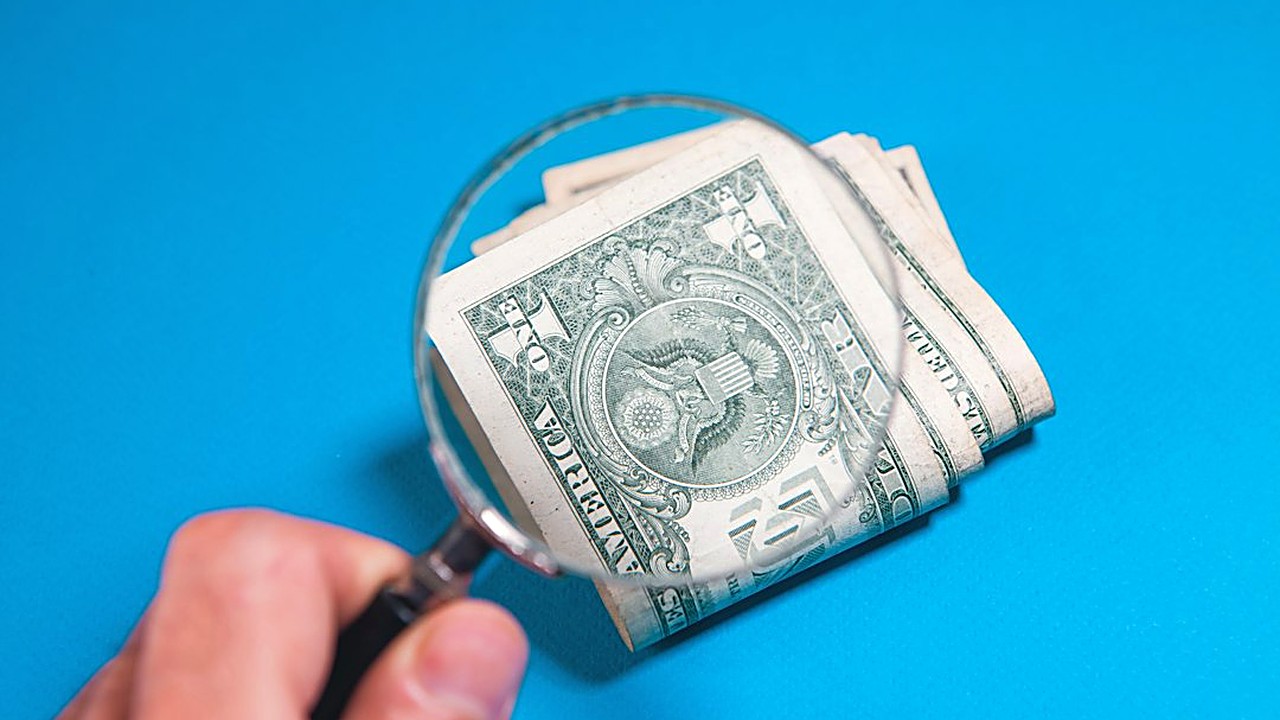
Quick answer: Download three months of statements for every card and account, highlight any charge that repeats with the same or a similar amount, and match each one to a service. Cancel what you don't use and question anything you don't recognize with your bank.↗ Share on X
To find hidden recurring fees, pull your last three months of bank and credit card statements, then look for any charge that shows up more than once with the same or nearly the same amount. Mark each one, match it to a service you know, and cancel or question anything you don't recognize or don't use. Most people can finish this audit in about an hour with a highlighter or a simple spreadsheet. The three-month window matters: it catches monthly charges, and it gives you a better shot at spotting quarterly ones too.
Below is the exact process, the places these charges like to hide, and what to do when you find one you never signed up for.
Important: This article is general information, not professional financial advice. Every bank, card, and contract has its own rules. For advice about your own situation, talk to your bank, a licensed financial professional, or a nonprofit credit counselor.
Why are recurring fees so easy to miss?
 Find Forgotten Subscriptions on Your Bank Statement Fast →
 Find Forgotten Subscriptions in Your Bank Statements Fast →
 Got a Raise? Audit Your Budget Before Lifestyle Creep Hits →
Recurring charges are built to be forgettable. A few things make them hard to see:
- Small amounts. A $6.99 charge doesn't jump out next to rent or groceries.
- Strange names. The name on your statement is often the billing company, not the app you know. A streaming service might show up as a short code or a parent company name.
- Free trials that roll over. You sign up for a "free" week, forget, and it turns into a paid plan.
- Price creep. A service you still use quietly goes from $9.99 to $12.99, and you never notice.
- Annual renewals. A yearly charge hits once, and it's easy to forget about until next year.
- Charges on different cards. If you pay from two or three accounts, no single statement shows the full picture.
Clear money tips in your inbox. No hype.
What do you need before you start?
Affiliate link. We may earn a commission on purchases, at no extra cost to you.
This content is informational and is not investment advice or financial consulting.
Gather these before you sit down:
1. Three months of statements for every checking account, credit card, and debit card you use. Download them as PDF or CSV from your bank's website or app.
2. Your PayPal, Apple, and Google Play purchase history, if you use them. Many subscriptions bill through these instead of directly.
3. A highlighter and printouts, or a blank spreadsheet with these columns: Date, Name on statement, Amount, What it is, Keep or cancel.
4. About an hour without interruptions.
If you also want to catch annual charges, download a full 12 months for at least your main card. Annual fees are the ones most people forget.
How do you audit your statements step by step?
 Lower Utility Bills Without the Thermostat: 12 Fixes →
 Grocery Budget for a Family Eating 3 Different Diets →
 Rent Increase? What to Cut, Shift, and Renegotiate First →
1. Start with your most-used card. Open the oldest of the three months.
2. Go line by line and highlight anything that looks like a service, not a one-time purchase. Think: apps, streaming, software, cloud storage, gyms, news sites, meal kits, delivery memberships, phone add-ons.
3. Move to the next month and look for the same names. Anything that appears in two or more months goes on your list.
4. Check for "same amount, different day." Some charges move a day or two each month. Search the amount, not just the date.
5. Write each recurring charge in your spreadsheet, with the exact name as it appears on the statement.
6. Label each one: "Know it and use it," "Know it but don't use it," or "Don't recognize it."
7. Repeat for every other account and card.
8. Check your app store subscription lists. On an iPhone, it's in Settings under your name, then Subscriptions. On Android, open Google Play, tap your profile, then Payments and subscriptions.
9. Add up the "Know it but don't use it" column. Multiply by 12. That's what those services cost you per year.
Step 9 is the one that changes minds. Seeing a yearly number is very different from seeing a small monthly charge.
Where do recurring charges like to hide?
| Type of charge | How it may look on a statement | What to check |
|---|---|---|
| Streaming and music | Short code or parent company name | Your account page on each service |
| App subscriptions | "Apple.com/bill" or "Google" | App store subscription list |
| Free trials that converted | A new amount you don't remember | Email inbox for "trial" or "welcome" |
| Annual renewals | One larger charge, same month each year | 12 months of statements |
| Bank account fees | "Monthly service fee" or "maintenance fee" | Your account's fee schedule |
| Overdraft protection transfers | "Transfer fee" or "OD fee" | Your bank's overdraft settings |
| Card add-ons | "Protection plan," "credit monitoring" | Your card's account services |
| Phone and internet extras | Equipment rental, device protection | Your monthly carrier bill |
| Gym and club dues | Gym name or payment processor | Your membership contract |
Don't skip your bank's own fees. A monthly maintenance fee or a paper statement fee is a recurring charge too. Many banks waive those if you meet a condition, such as a minimum balance or a direct deposit. Call and ask what the condition is.
What if you find a charge you don't recognize?
Don't panic, and don't assume it's fraud right away. Follow these steps:
1. Search the exact name from the statement online, in quotes. Often it's a company you do know, under a different billing name.
2. Search your email for the amount and for the name. Look for a receipt or a "welcome" message.
3. Ask the people who share the account or the card. A family member may have signed up.
4. Check the app store lists again. Many app charges show only the store's name.
5. If you still can't identify it, call the number on the back of your card and tell the bank you don't recognize the charge. Ask if they can give you more merchant details.
6. If it's not yours, ask the bank to dispute it and to replace your card. Under U.S. rules, there are time limits for reporting unauthorized charges, so act soon. Your bank or card issuer can tell you the exact deadline for your account.
If you see several unknown charges, or charges from places you've never been, treat it as possible fraud. Call your bank right away, change your online banking password, and review your credit reports. You can get free credit reports at AnnualCreditReport.com.
How do you cancel subscriptions without getting charged again?
Canceling the right way saves you from one more surprise charge.
- Cancel at the source. Cancel inside the app, the website, or the app store where you signed up. Deleting the app does not cancel the subscription.
- Get proof. Save the confirmation email or take a screenshot of the cancellation page.
- Check the end date. Most services keep working until the end of the paid period. Note the date.
- Watch the next statement. If the charge shows up again after you canceled, call the company first, then your bank if needed.
- Don't rely on just blocking the card. Blocking a payment doesn't always end the contract. The company may still say you owe money.
For gyms and some memberships, canceling can take a letter, a visit, or a set notice period. Read the contract or call and ask exactly what they need.
How can you stop hidden fees from coming back?
A one-time audit helps. A small habit keeps the savings.
- Set a calendar reminder for the same day each month: "Check statements, 10 minutes."
- Put a reminder for every free trial two days before it ends, the moment you sign up.
- Use one card for subscriptions. That way, every recurring charge is on one statement and easy to scan.
- Turn on transaction alerts in your bank app. Many banks can text or email you for every charge.
- Do a full three-month audit twice a year. January and July work well for many people.
Some banks and budgeting apps now flag recurring charges for you. These can help, but they miss things, especially charges billed through app stores or under odd names. Use them as a second check, not as your only check.
Is it worth the time?
For most households, yes. Even one or two forgotten services can add up to a meaningful amount over a year. Every dollar you stop paying for something you don't use is a dollar you can move toward savings, debt, or bills. Results vary by person, and there's no promise you'll find anything, but an hour is a small price to know for sure.
If money is tight and you're juggling several bills or debts, a free session with a nonprofit credit counselor can help you build a full plan. Look for agencies approved by the U.S. Department of Justice or members of the National Foundation for Credit Counseling.
Your next step
Open your bank app right now and download the last three statements for your main card. Set a 60-minute timer, follow the nine steps above, and fill in just one column: "Keep or cancel." Then cancel the first "Know it but don't use it" item today, and save the confirmation.
FAQ
How many months of statements should I check?
Three months catches monthly charges. Check a full 12 months on your main card to also catch annual renewals, which are the easiest to forget.
Does deleting an app cancel the subscription?
No. You need to cancel inside the app, the website, or the app store subscription list where you signed up, and save the confirmation.
What should I do with a charge I don't recognize?
Search the exact statement name and your email first. If you still can't identify it, call the number on the back of your card, ask for merchant details, and dispute it if it isn't yours. Act quickly because reporting deadlines apply.
Clear money tips in your inbox. No hype.
Educational content, not personalized financial advice. Sources cited where applicable.